


PRODUCT SUPPORT
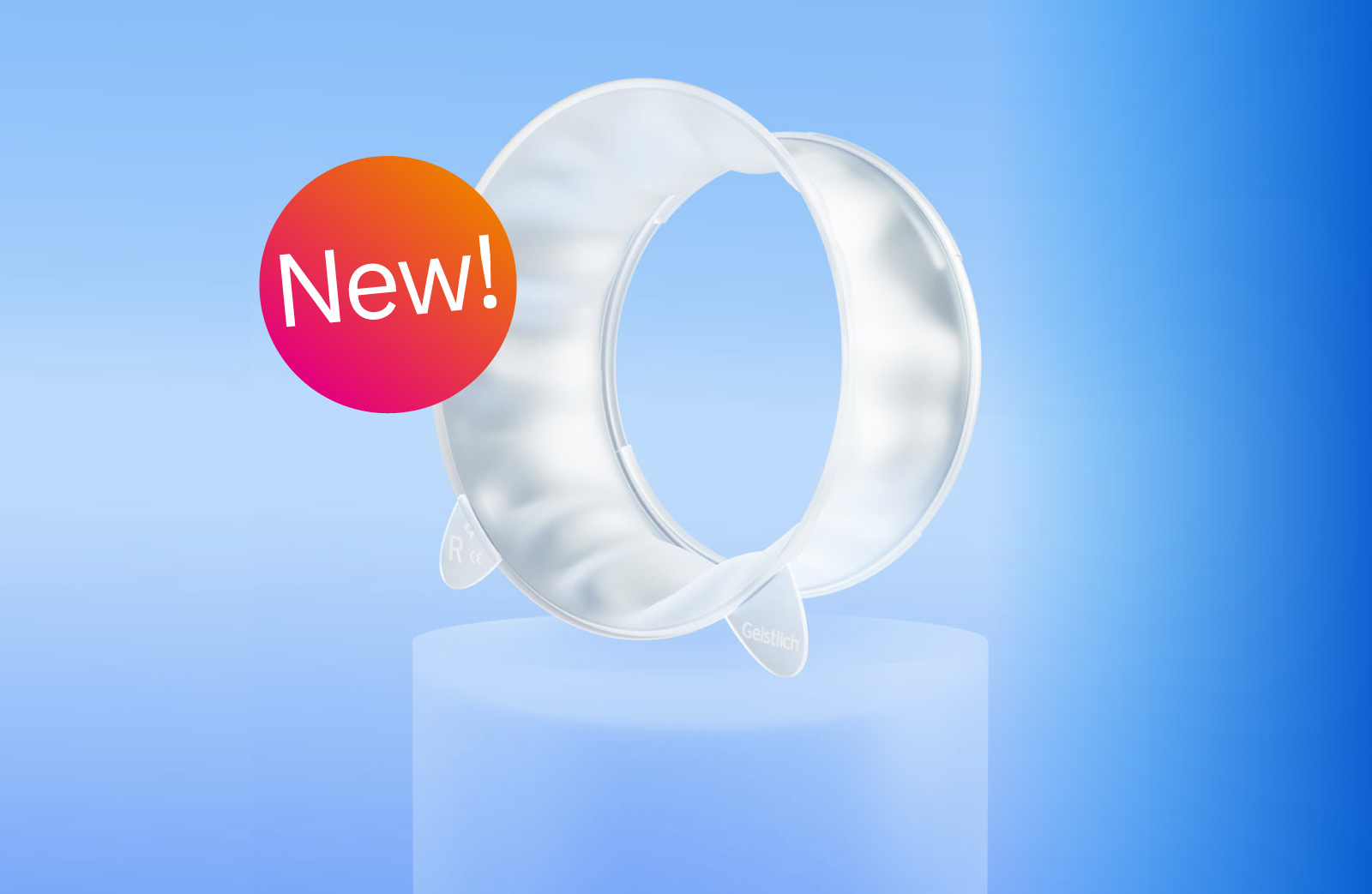
Yxoss CBR®
Help topics
How to Order
1. Fill Out the Order Form
Information about the planned surgery.

2. Case Specification
Mark the defect region for Yxoss CBR® and describe the defect region, the teeth to be removed, and any other notes.

3. Lattice Structure & Additional Services
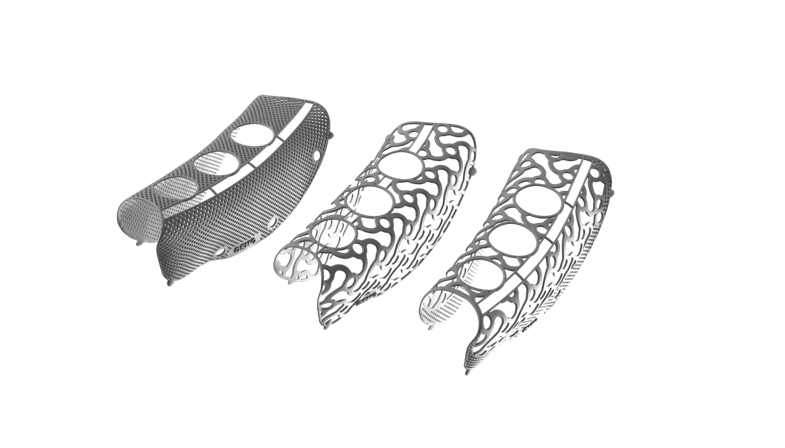
Choose the appropriate Yxoss CBR® grid structure and select if you want the calculation of the augmentation volume.

4. Backward Planning & Implant Planning
Select backward planning if you would like support in planning implants. If marked yes, select where the desired position is for planned implants and specify the implant system.

5. Address Confirmation
Confirm delivery and invoice addresses.

6. Summary
Review the order data, case-specific information, lattice structure additional services, and addresses.

7. Place Order

8. Payment
Please either input your Credit Card information or send your Purchase Order (PO) number to [email protected]. You will be invoiced by Geistlich upon shipment. Please indicate if you are a public institution or part of the government military.
9. Upload Patient Data
Upload 3-D Data (CT/CBCT) in DICOM-single layer format. Complete once the transferred files are confirmed.
10. Order Complete/ Order History
Reach out to your Regenerative Specialist if you have any questions.
*Disclaimer: Order processing and production may take up to 28 calendar days. Please take this into account when planning your surgery date. If you schedule your surgery a few months in advance, it may take some time for the digital 3D design to be sent.
Product Downloads

 Download

Patient Downloads


Patient Videos
Yxoss CBR® Patient Education
Patient: Customized 3D Treatment with Yxoss CBR®
Clinical Videos
Yxoss CBR® Order Video
Yxoss CBR® 3D Design Review
Yxoss CBR® Electronic Signature
Yxoss CBR® DICOM Data Upload
Yxoss CBR® Protect Removal
Yxoss CBR® 3D Video
Yxoss CBR® Manufacturing Facility